

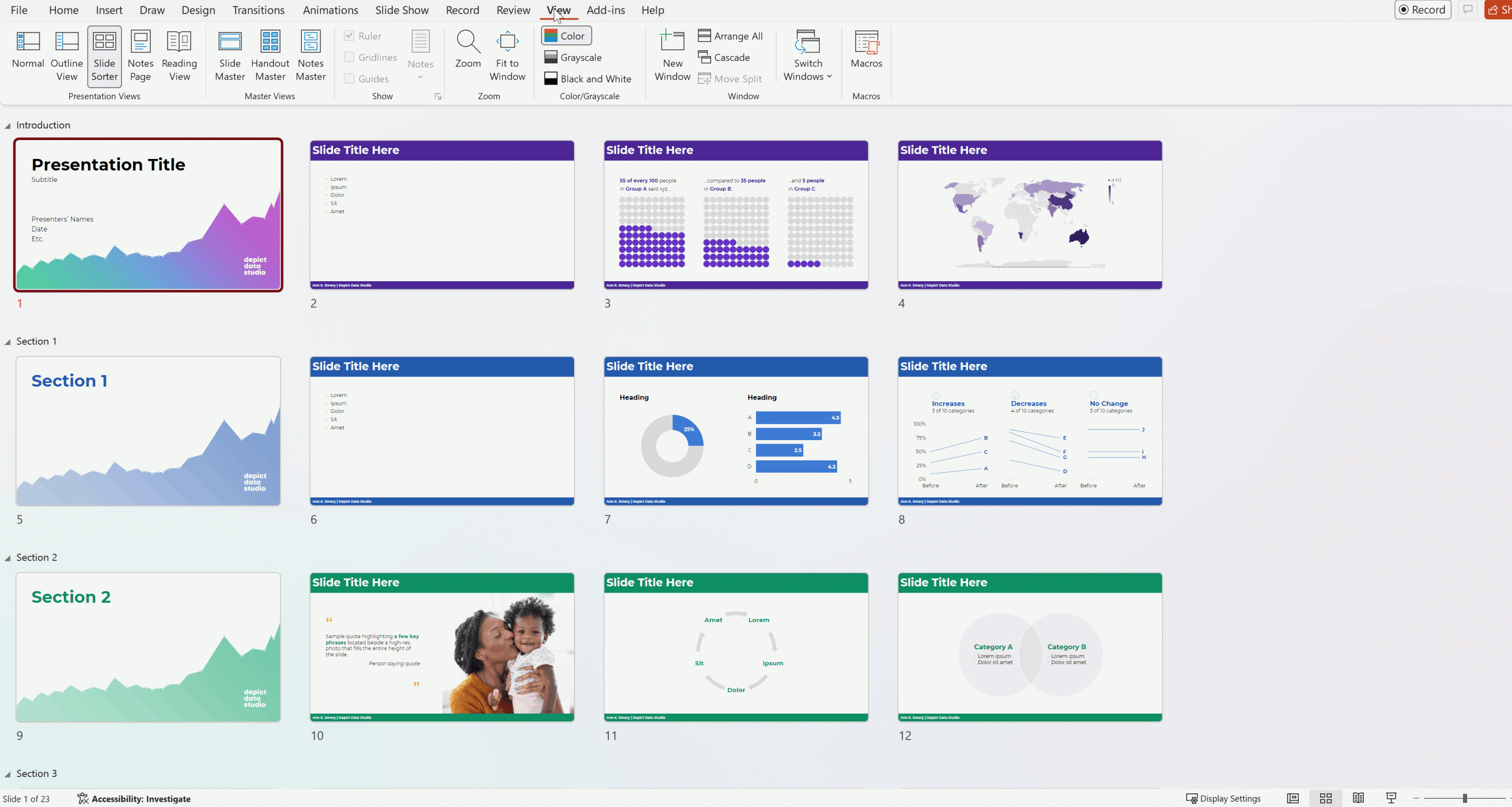
Unfortunately, you’ve seen Frankensteined slides.
(Not Jacob-Elordi-in-Frankenstein cute. But a monstrous mess.)
A mix of font sizes, colors, alignment, spacing, and graph styles.
Text heavy.
Boring graphs.
Barely alive.
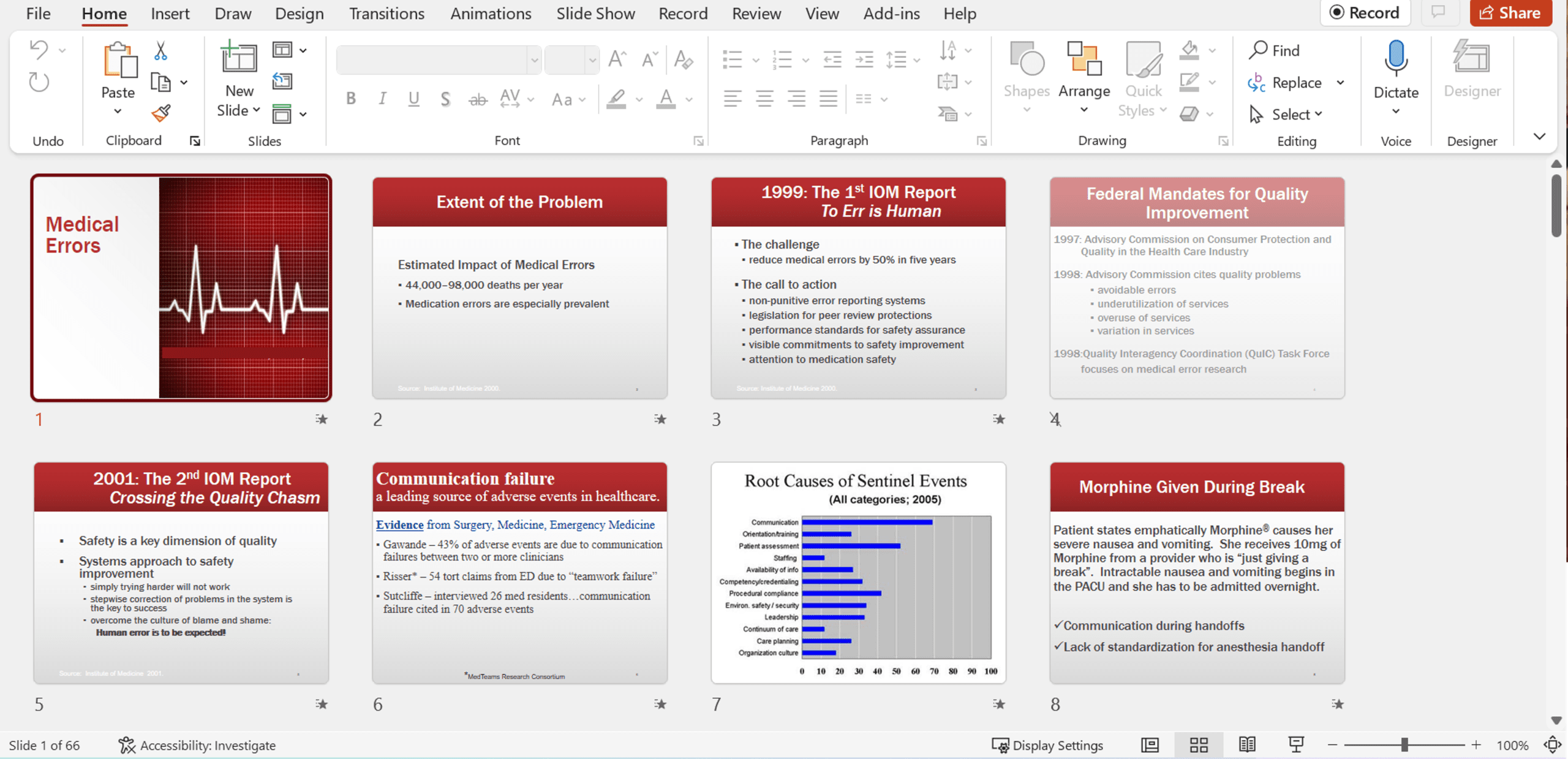
You deserve Jacob-Elordi-as-Heathcliff gorgeous slides!
Professional. Streamlined. Intentional. Visuals on every slide. Skimmable. Accessible.
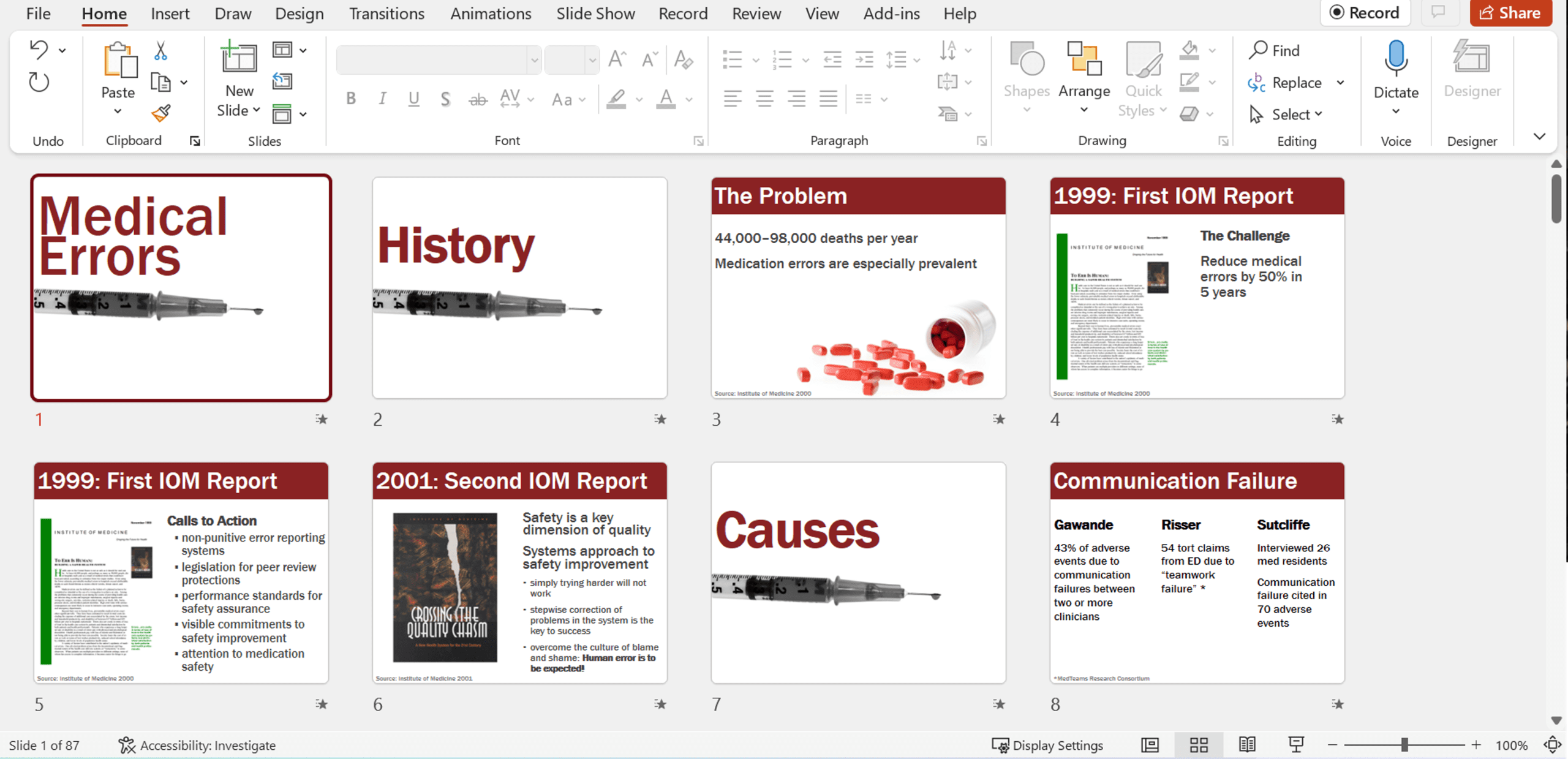
Slide Templates help you avoid Frankensteined Slides
Templates also eliminate the “stare at a blank slide” tax. You start with a ready-made structure that does the heavy lifting for you.
Templates save hours of formatting time. A good template bakes in hierarchy, spacing, and structure—so you can focus on your message, not nudging text boxes pixel by pixel.
Templates scale your best design practices across the whole org. Even non‑designers can produce clean, on‑brand slides because the template does the heavy lifting.
Do you really have slide templates…?
Most companies I work with think they have templates – but they don’t.
Here’s how to check: When you insert a new slide, do you see Microsoft’s defaults? Or your custom-designed slides?
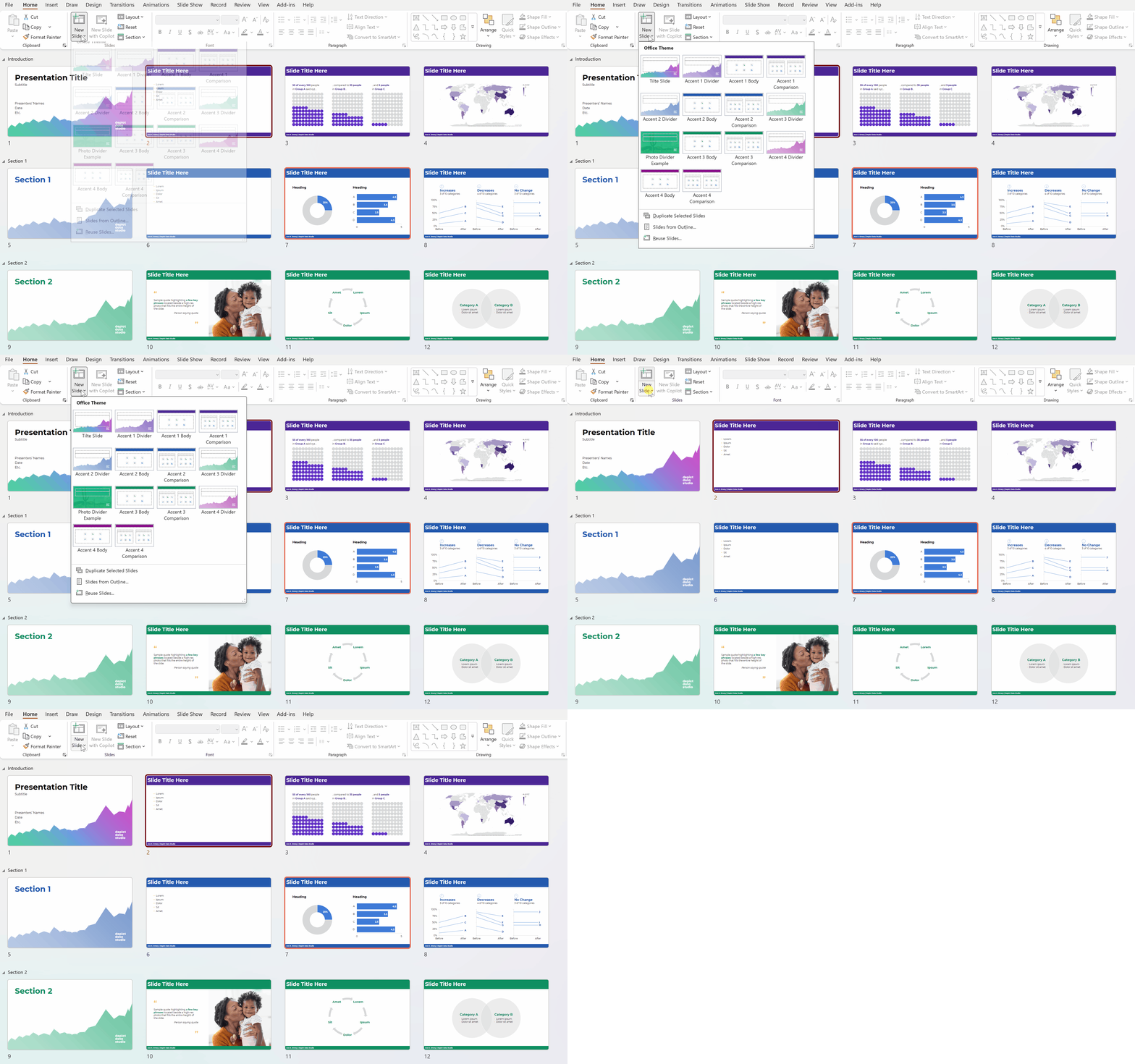
Setting Up the Slide Master
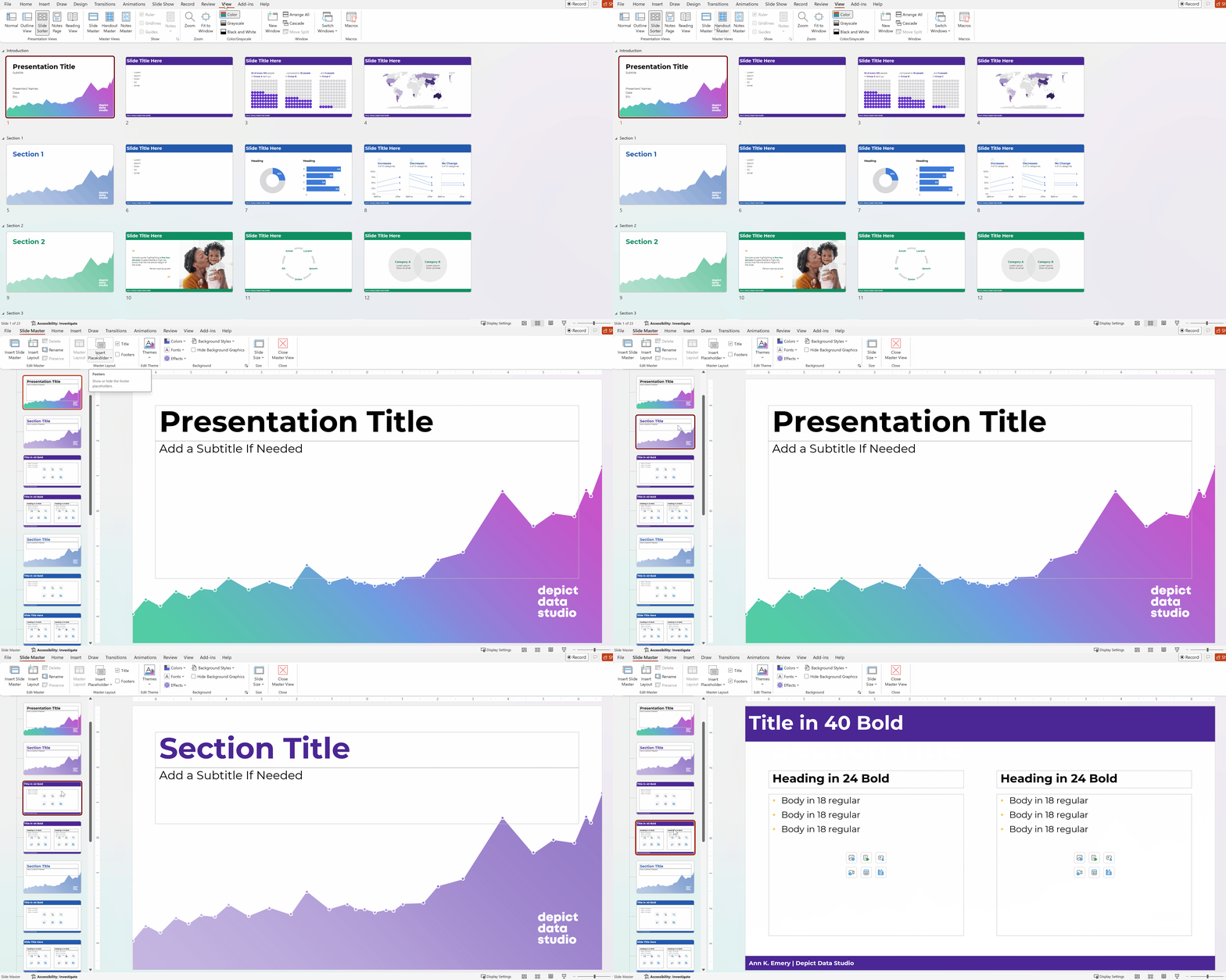
Templates live behind the scenes, in the Slide Master.
Go to View –> Slide Master and make sure you’ve got ’em there.
Heads up: The Slide Master is a massive pain. Counterintuitive. All sorts of quirks.
Your Turn
What sorts of questions do you have about the Slide Master?
Comment here and let me know.
I might even make a new blog post or YouTube video for you.
Leave a Reply