

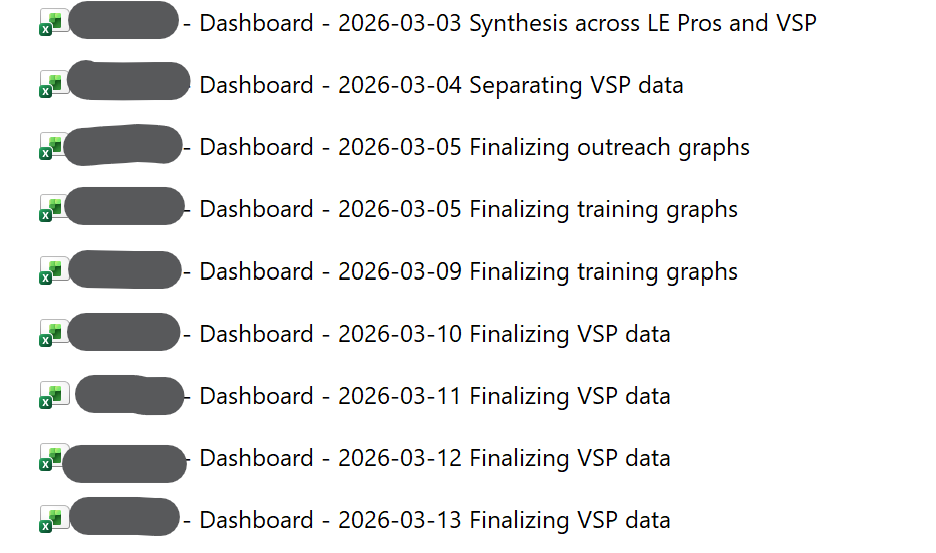
File-naming tips so you don’t lose your work:
✖️ DON’T “save” the same file over and over and over.
All programs crash, especially Excel.
All files get corrupted sometimes, especially Excel.
Saving the same file over and over = more likely to lose your work.
✔️ Instead, “SAVE AS” a new file each work session.
I put the dates in the file name, not “v1” or “v2” or “final-final.”
I use YYYY-MM-DD format so they line up chronologically, not “Jan, Feb, Mar” or “3-2026” accidentally preceding “4-2025.”
I also write brief notes to myself about the focus of that work session (in case I mess something up and need to go back to a previous version).
A coworker taught me the “SAVE AS” technique almost 20 years ago, and when my files get corrupted and garbled and lost entirely, I’m so grateful – because I’ve only lost a single work session of time, not the entire project.
Leave a Reply