1 Comment

  • Great explanation! I never knew that Excel map charts don’t work directly with pivot tables. Do you think Microsoft will eventually fix this limitation, or is the Helper Table workaround still the best long-term solution?

  • Leave a Reply to sistem informasi Cancel reply

    Your email address will not be published. Required fields are marked *

    Adding Interactive Maps to Excel Dashboards

    Last updated

    Nov 21st, 2025

    Related resources:

    , , , , ,

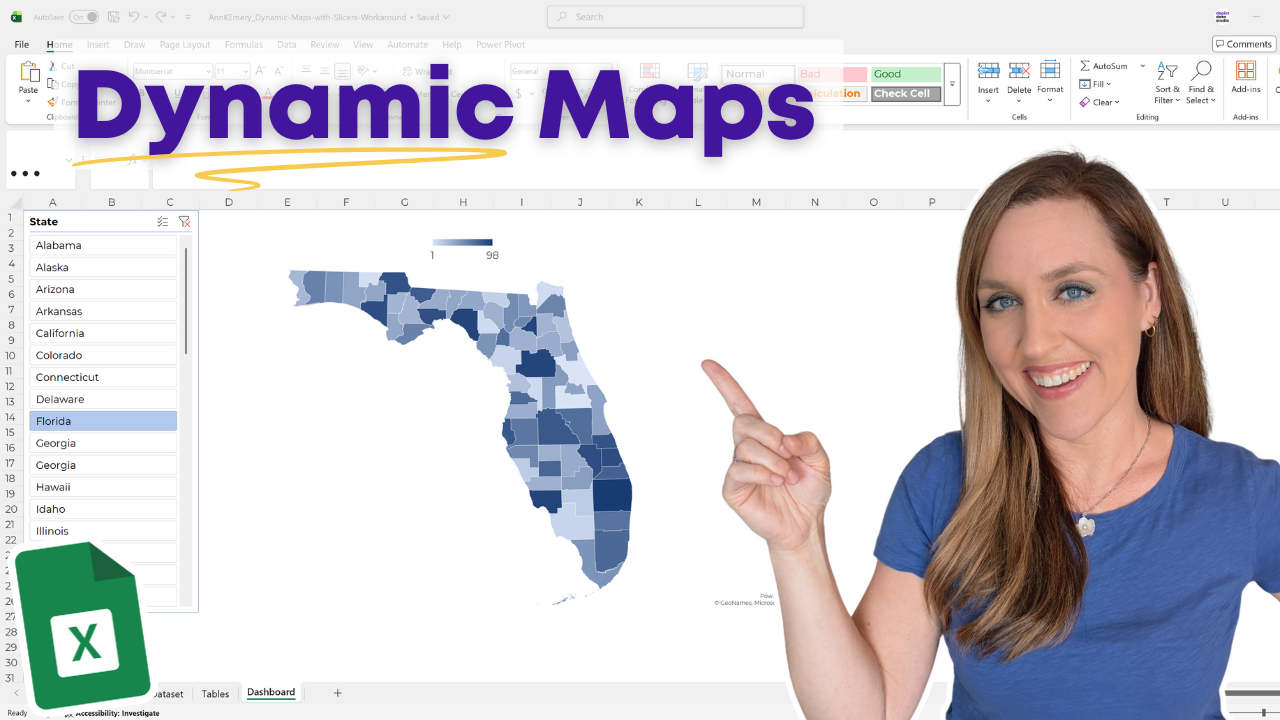
    Why isn’t my map working?!?!

    Excel can’t directly link pivot tables and maps.

    We’ll run into an annoying error message.

    In this video, you’ll learn the workaround: a Helper Table with a dynamic array function.

    More about Ann K. Emery
    Ann K. Emery is a sought-after speaker who is determined to get your data out of spreadsheets and into stakeholders’ hands. Each year, she leads more than 100 workshops, webinars, and keynotes for thousands of people around the globe. Her design consultancy also overhauls graphs, publications, and slideshows with the goal of making technical information easier to understand for non-technical audiences.

    1 Comment

  • Great explanation! I never knew that Excel map charts don’t work directly with pivot tables. Do you think Microsoft will eventually fix this limitation, or is the Helper Table workaround still the best long-term solution?

  • Leave a Reply to sistem informasi Cancel reply

    Your email address will not be published. Required fields are marked *

    You Might Like

    Our complimentary mini course for beginners to dataviz. Takes 45 minutes to complete.

    Enroll

    Maps as Icons

    Quick wins for improving boring, black and white tables with everyday software like Excel and PowerPoint.

    More »

    Want to wow your boss with a dynamic dashboard? Or, how about a one-pager of key findings? Our 4-course bundle provides all the how-to’s.

    Enroll

    Spreadsheets to Stories
    Weekly Newsletter

    You’ll receive:
  • how-to tutorials about data management, analysis, visualization, and storytelling;
  • spreadsheets to download so you can try it yourself; and
  • the latest info about our online courses.

    Our weekly newsletter is shared with a community of 8,000 professionals.